Skip to content

FROM MY BAND TO YOURS.

MAKE THINGS.
PLAY SHOWS.
BE A BAND.

Creative tools and everyday organization for independent bands. Make your content, prepare your shows and keep the moving parts together.

Windows · $30 USD · One-time payment

Available now for Windows.

BANDSTACK IN MOTION

A little of everything.
Made with BandStack.

A first look at the tools
and what you can make with them.

A quick look inside · 39 seconds · Music on playExplore every tool ↓

EXPLORE THE TOOLKIT

A place for the work
around your music.

01 / THE TOOLKIT

Create & promote.

Give your next release a visual identity.

01 / THE WORKSPACEMake it your own.
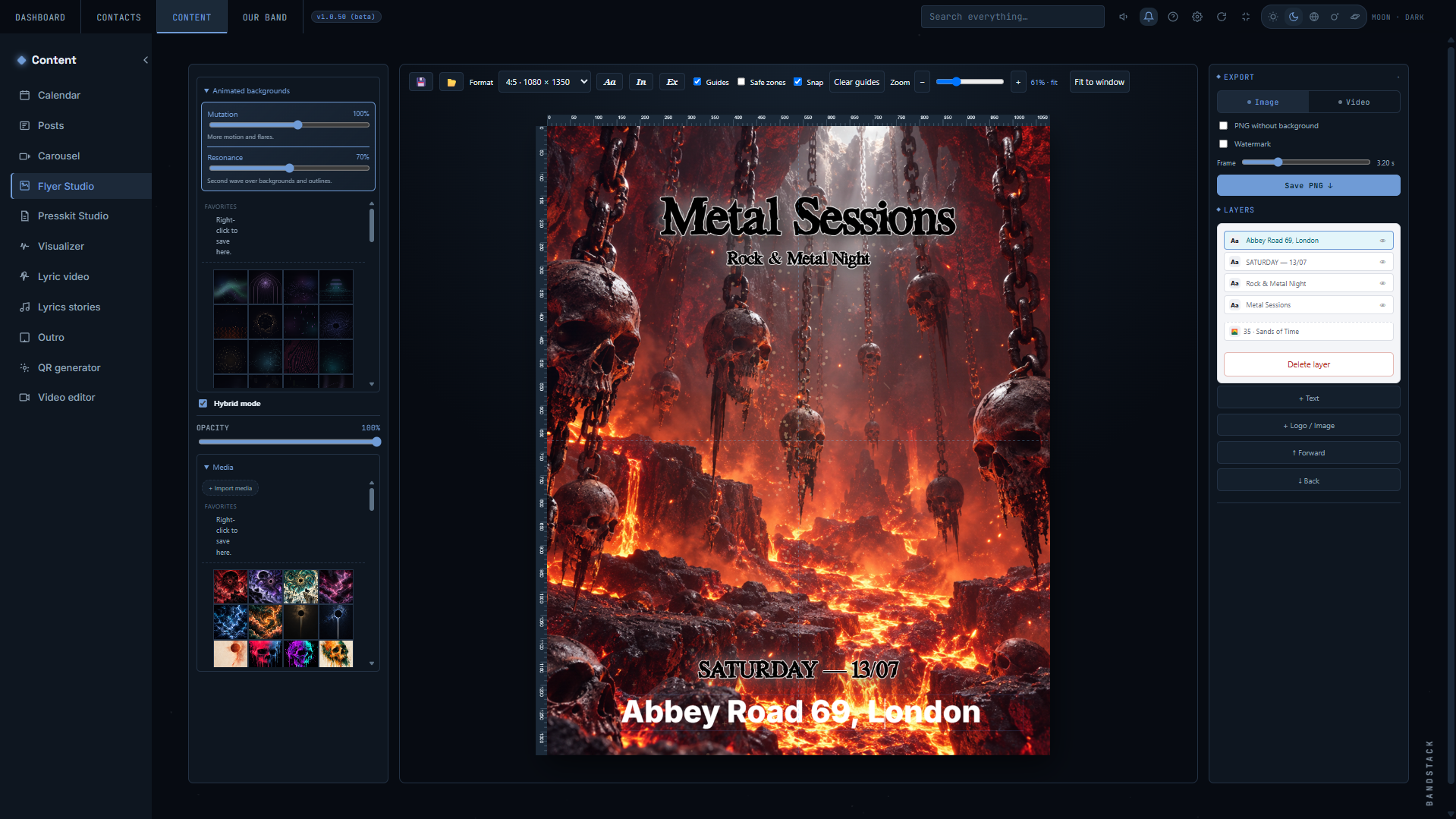
Flyer Studio editing a Metal Sessions flyer, with backgrounds, text layers and export controls visible.

Artwork, type and layers. All in one workspace.

02 / THE EXPORTReady to share.

MP4 export · 10-second loop · No sound

Build your flyer. Export an image or bring it to life.

Flyer Studio
Design a flyer with your images, type and layers.
Posts
Create still or animated posts.
Carousel
Bring photos and clips together.
Presskit Studio
Create a PDF with your story and press material.
QR Generator
Export styled QR codes as SVG or PNG.
02 / THE TOOLKIT

Put music in motion.

Give your songs something to look at.

VIDEO LYRICS / MADE IN BANDSTACK

Your music. Your words.

Animated lyrics, text effects and visuals that react to your audio. A short example made with my band’s music and lyrics.

32-second excerpt · Music on play · Open full screen for a closer look.

Visualizer
Create a visualizer with your audio and a visual style.
Story Lyrics
Turn a passage of lyrics into a short video.
Video Lyrics
Build a lyric video in Pulse Studio.
Outro
Create a closing sequence for your videos.
Video Editor
Bring your video material into an editing workspace.
03 / THE TOOLKIT

Get ready for the show.

From planning the night to walking on stage.

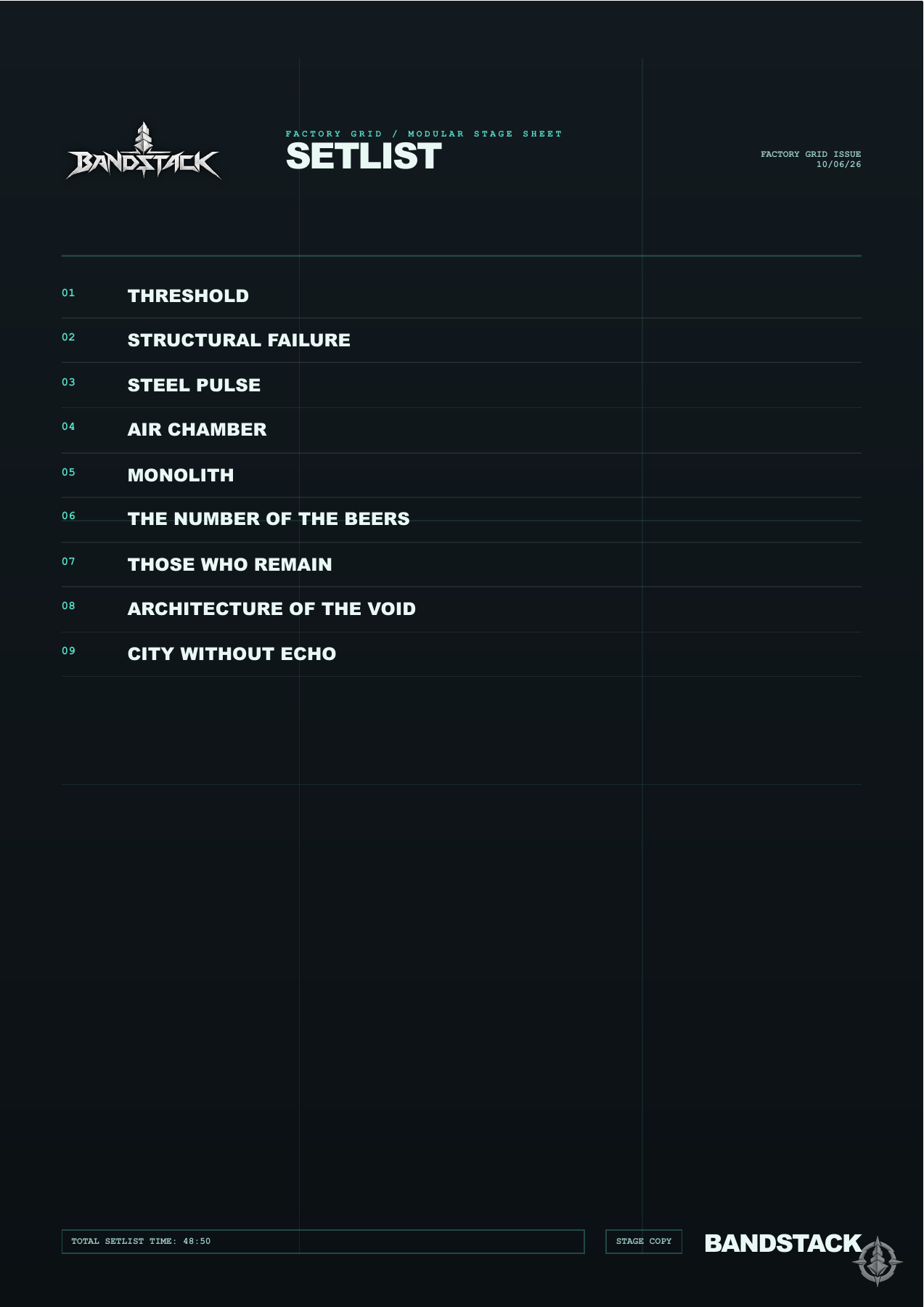
Setlists

Your songs. Your running order.

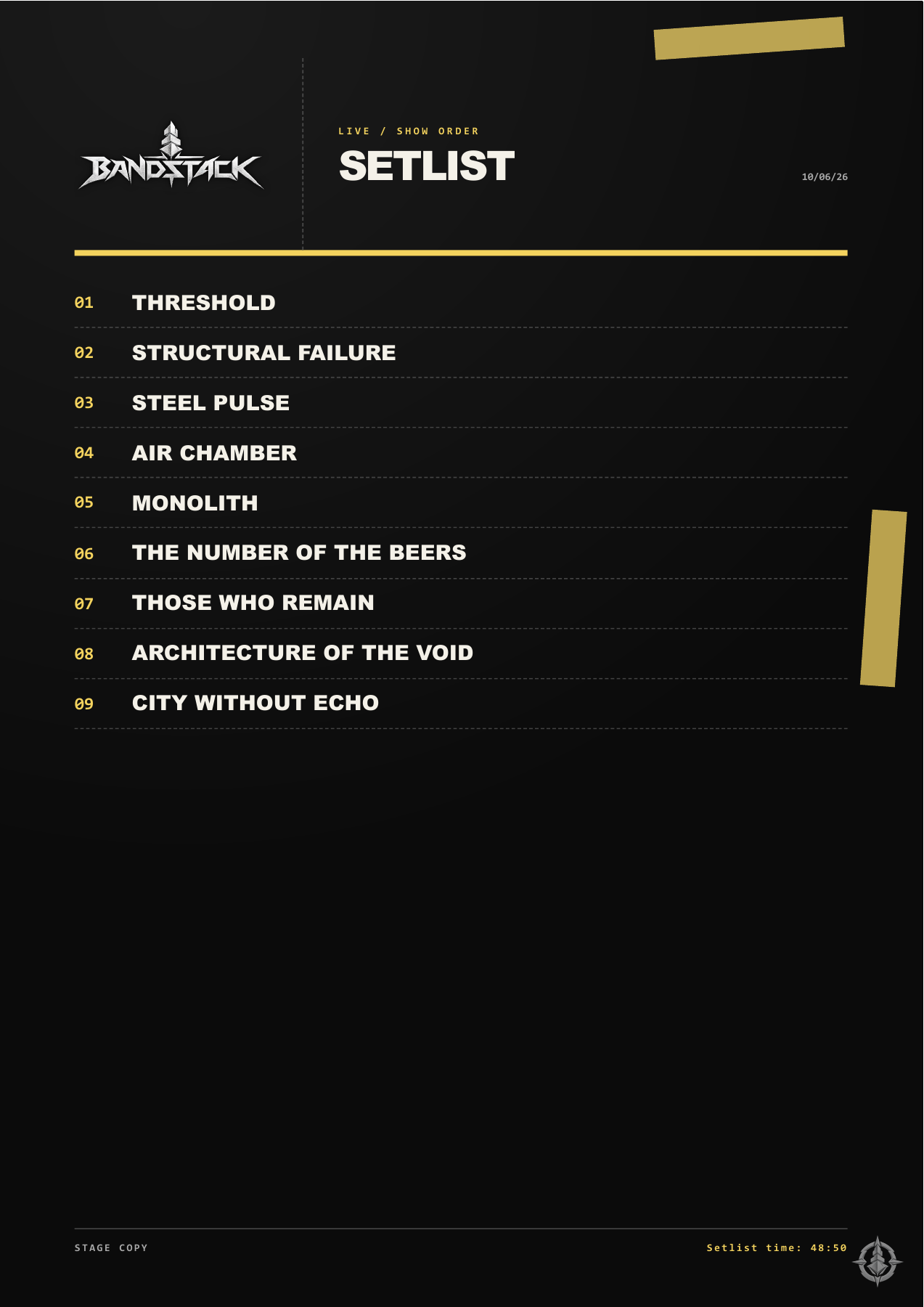
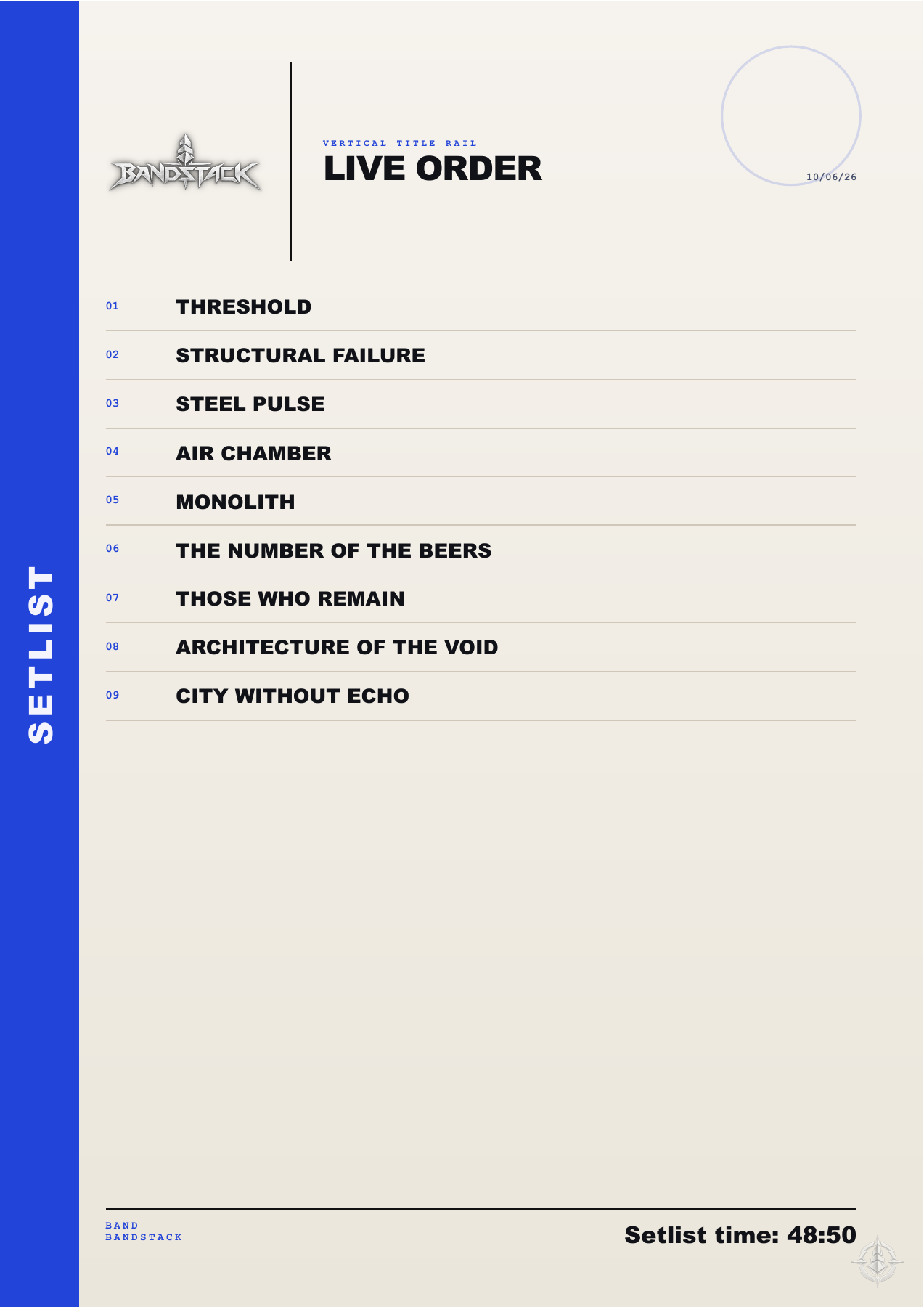
Setlists exported from BandStack: Black & yellow

Black & yellow

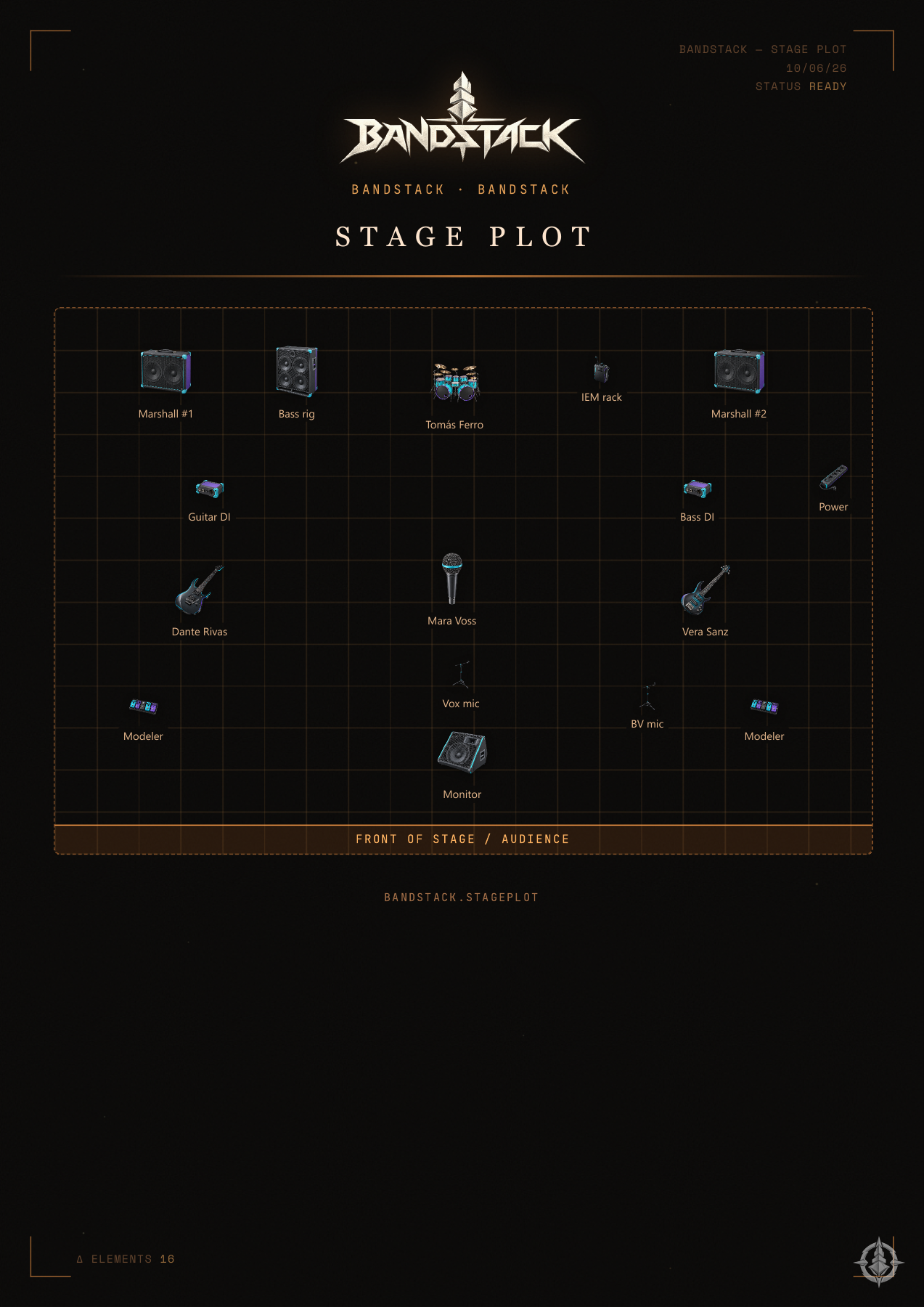
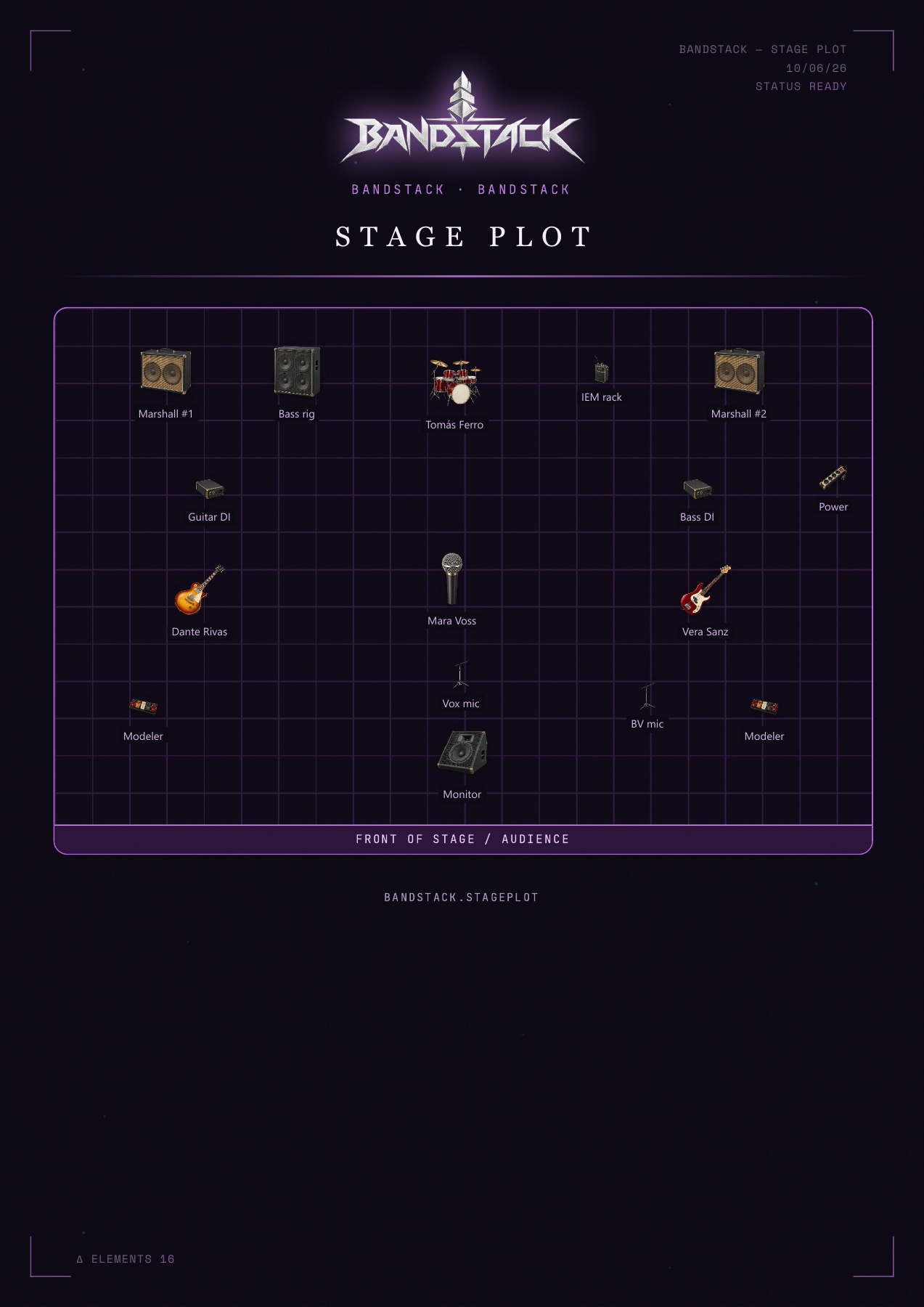
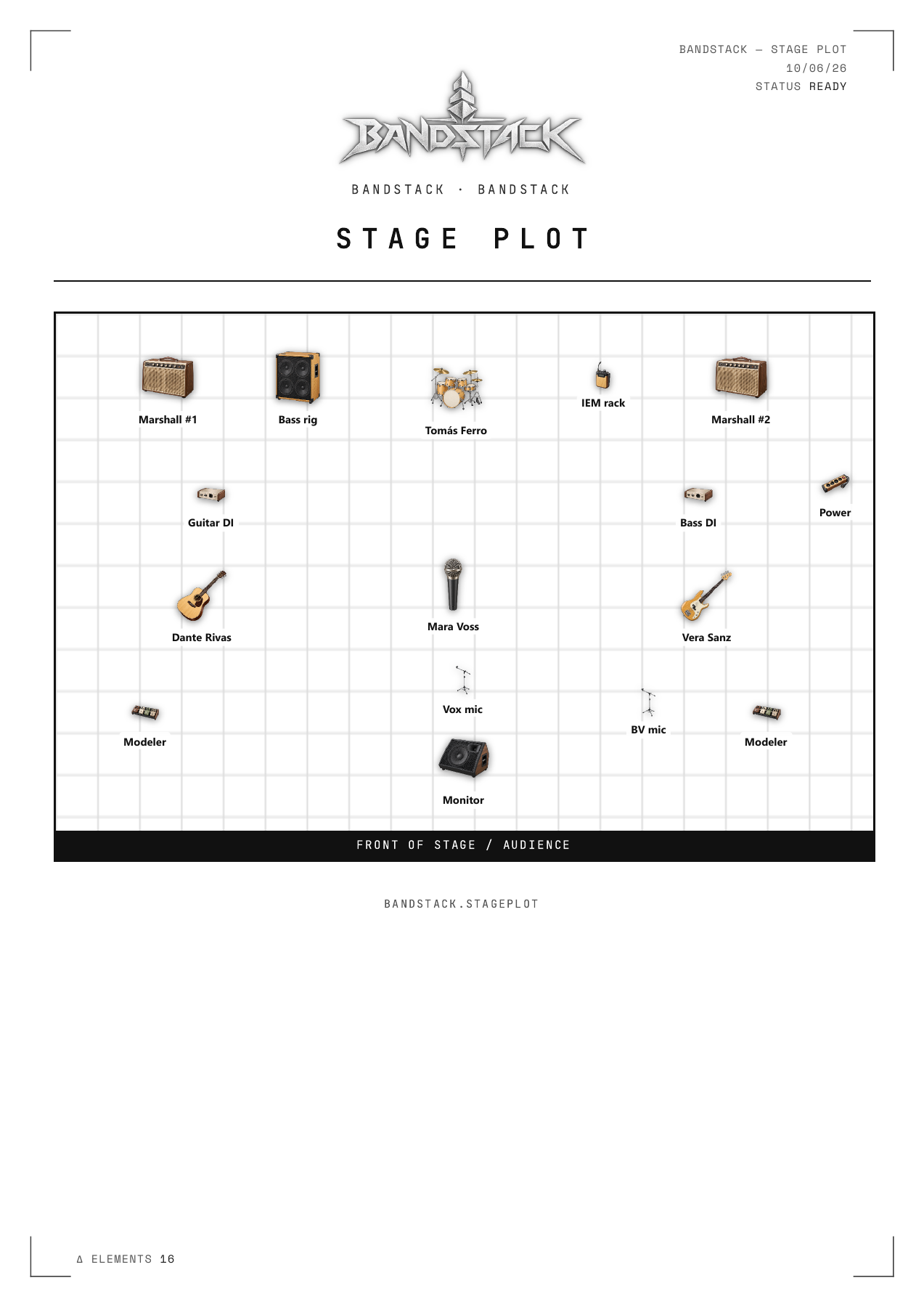
Stage plots

A clear plan for the venue.

Stage plots exported from BandStack: Copper / electric

Copper / electric

Real PDF exports from BandStack. Three designs for each tool. Click a page to see it full size.

INSIDE THE PDF

More than a stage layout.

Stage layout, input channels, monitor mixes and extra equipment — together in one PDF.

View sample PDF ↗

30-second walkthrough · No sound · Pause or open full screen to take a closer look.

Setlist
Prepare, save and export your running order.
Stage Plot
Lay out musicians and equipment for the venue.
Shows & agenda
Keep dates, schedules and checklists together.
Box office
Organize attendees and staff for your show.
04 / THE TOOLKIT

Keep the band together.

The everyday work, in one place.

INSIDE CONTACTS

Your contacts, connected.

From the next follow-up to the next place to play. A look through the dashboard, map and contact lists.

Dashboard → Map → Bands → Venues → Promoters → Press → Useful contacts

35 seconds · No sound · Pause or open full screen for a closer look.

Contacts & map
Organize bands, venues and promoters.
Finances
Track income and expenses.
Merch
Manage merchandise and record sales.
Library
Keep your local band files within reach.
Project roadmap
Plan the work behind your next record.

WHY BANDSTACK EXISTS

Tools I needed.
For my band.

I kept doing the same work for my band: making artwork, preparing shows and keeping track of everything around them. I started building tools to make those jobs easier. BandStack is the result, shared with yours.

I use these tools myself, and I want to keep improving them. A one-time purchase helps support that work, without turning BandStack into another subscription.

GROWING STEP BY STEP

Starting with Windows.
Building from there.

Future steps shaped by use,
feedback and the community.

01 / AVAILABLE NOW

Windows app

Available for Windows, with ongoing improvements to the tools.

02 / EXPLORING

macOS

A Mac version, guided by demand and the work needed to adapt and test the app.

03 / PLANNED

Resources

A browsable library of downloadable artwork, styles and visual resources.

04 / AS WE GROW

Community

A space to exchange ideas, share work and help each other.

These are directions for the project, not promised release dates. Future services and their terms will be announced separately.

BANDSTACK FOR WINDOWS

For your band.
In your toolkit.

One payment for the Windows app.
No subscription.

ONE-TIME PURCHASE$30 USD

One payment. All current Windows tools.

  • Lifetime license
  • Up to 2 computers
  • Free updates
  • 14-day refund
Buy BandStack — $30 →

Checkout is handled by Polar. After purchase, you get your license key and installer download. Your final total is shown at checkout.

A FEW THINGS TO KNOW

A few useful details.

Can I buy or download BandStack now?

Yes. Buy BandStack through Polar. After purchase, you get your license key and the Windows installer download. If you need help, contact us.

Which operating system is supported?

BandStack is available for Windows. A Mac version is on the roadmap, without an announced release date.

Why might Windows show a warning when I install BandStack?

BandStack is a new app, and its installer is not digitally signed yet. Windows SmartScreen may show a “Windows protected your PC” or “unrecognized app” warning because the installer has not established a reputation.

If you downloaded the installer through the official BandStack purchase and trust its source, you can select “More info” and then “Run anyway”, if Windows offers that option. This applies to the unrecognized-app warning, not a malware detection. Do not disable your antivirus or other Windows security protections. If a threat is detected, the option is unavailable, or you have any doubts, stop and write to support@bandstack.app before continuing.

Is this a subscription?

No. The price is $30 USD as a one-time purchase of the Windows app.

How does the license work?

One payment gives you a lifetime license for up to 2 computers. You get a license key by email after your purchase and use it to activate the app. You can deactivate a computer to move your license to a new one. See the license terms.

Are updates included?

Yes. Updates to the BandStack Windows app are free and arrive automatically through the app. Separate future products or online services may have their own terms and prices.

Does BandStack need an internet connection?

You need internet to activate and periodically verify your license, receive updates and use online features such as maps and weather. After activation, you can work offline for up to 30 days before reconnecting for a license check. Your band’s workspace data stays on your computer.

Can I get a refund?

Yes. You can ask for a full refund within 14 days of your purchase. See our Refund Policy for instructions and conditions.

Where is my data stored?

Your band’s workspace data is stored on your computer, not uploaded to us. The desktop app does not require a BandStack user account. Online features send the specific requests described in our Privacy Policy.

Are Resources and the community available yet?

They are future website additions. Your purchase is for the desktop app and its current tools.